Heads-up: links to Amazon on this page are affiliate links. If you buy through them we may earn a commission, at no extra cost to you. How we make money.
This page isn’t a review. It’s what we learned in September 2026 running a small AI video pipeline on the one graphics card we have. No card in our buying guide was tested here — but these notes are why that guide is sorted by memory.
The setup
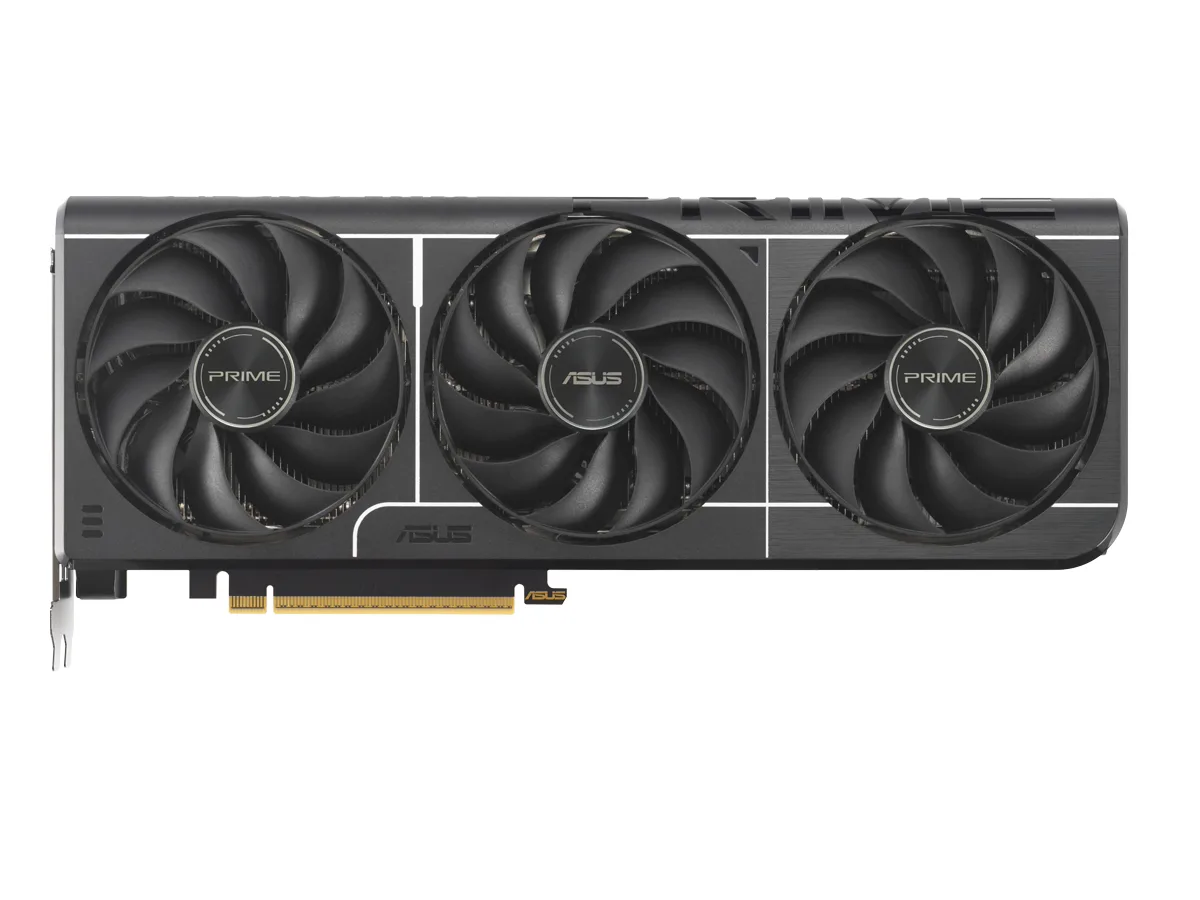
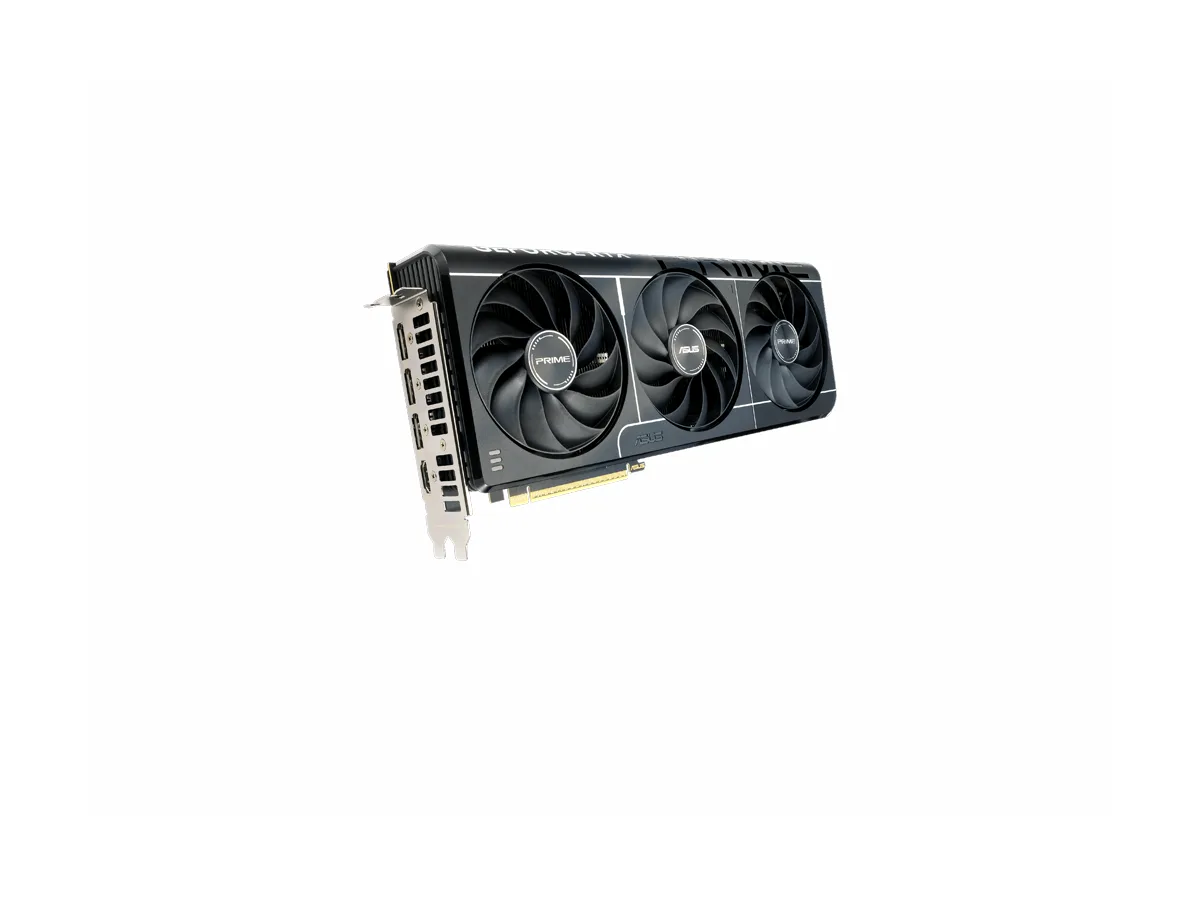
Card: NVIDIA GeForce RTX 3080 with 12 GB (confirmed with nvidia-smi).
System memory: 15 GB.
What runs on it: SDXL for images (for video scenes and coloring-book pages), Whisper large-v3-turbo to line up voice-overs with text, and a text-to-speech model — all on Windows, with a video pipeline running in Docker next to it.
1. One setting decided whether SDXL fit
SDXL itself fit on the card. The problem was the very last step, where the image gets decoded from the model’s internal format into pixels. Without a memory-saving option called VAE tiling, that step asked for about 17 GB on our 12 GB card. The rest spilled into system memory, and the Python process grew to around 20 GB — more than the PC’s 15 GB of RAM, so Windows leaned on its page file and the whole machine struggled. Docker, running the video pipeline, fell over.
With tiling switched on (one line in the diffusers library: vae.enable_tiling()) the same job used about 10 GB on the card and about 2 GB of system memory, at roughly 20 seconds per detailed page.
Lesson: on a 12 GB card, you don’t just pick models — you tune them to fit. On 16 GB, that same job would have fit without tuning.
2. Two AI jobs can’t share 12 GB
One evening, a long batch of videos (almost two hours) ran into the next scheduled batch. Three of the ten videos came out without their AI-generated scenes: card and system memory ran out, the scenes failed, and the pipeline still reported the videos as fine. And the 20 GB blow-up above happened while the pipeline was busy, which is why it took Docker down with it. Our fix wasn’t hardware — it was scheduling, and a rule: nothing else uses the card while the video pipeline is producing. Our image server also releases the card after three minutes idle, so it isn’t holding memory for nothing.
Lesson: if you want to run a chat model and an image model at once, add their sizes up — the card has to hold both.
3. System memory runs out too
Both incidents above were as much about the PC’s 15 GB of RAM as about the card. When the card overflows, system memory is where the overflow goes, and a small amount of RAM turns a slowdown into a crash.
Lesson: budget system memory alongside the card. We suggest at least 32 GB with a 16 GB card.
4. Two measuring traps on Windows
nvidia-smi on Windows showed per-process memory as N/A. We measured total card memory used, minus what was already in use before the job started.
Task Manager’s default memory column (the “working set”) showed the runaway Python process at well under 1 GB. Its private memory showed the real 20 GB. In PowerShell: Get-Process | Sort-Object PrivateMemorySize64 -Descending.
What we’d buy today
A 16 GB card. Not for speed — our 3080’s speed was never the problem — but so that jobs fit without tuning and two of them can sit side by side more often.