Heads-up: links to Amazon on this page are affiliate links. If you buy through them we may earn a commission, at no extra cost to you. How we make money.
For AI at home, the first question is not “which card is fastest?” but “which card can hold the model I want to run?” A model that doesn’t fit in the graphics card’s memory either won’t load or crawls. So we sorted this guide by memory first and speed second.
Quick answer
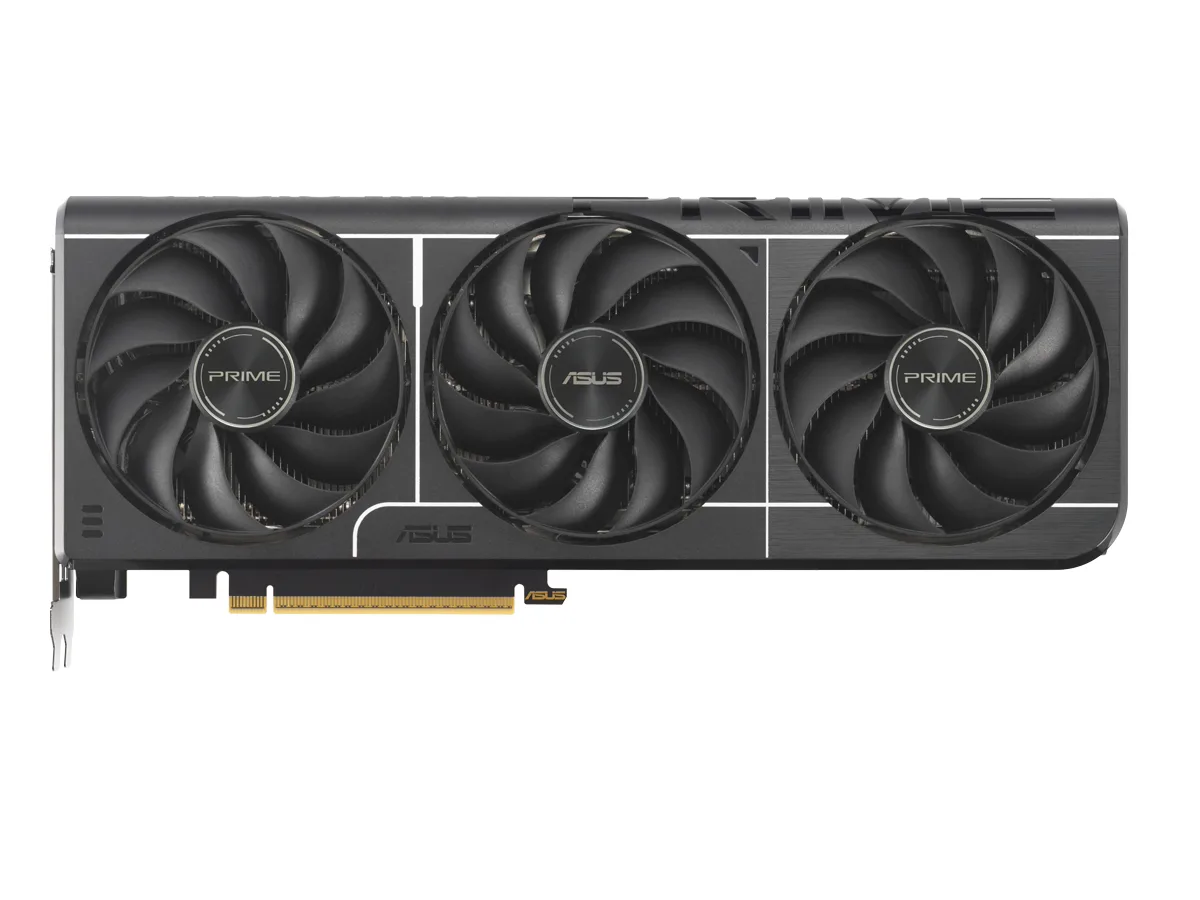
Most people: an RTX 5060 Ti with 16 GB. The cheapest current NVIDIA card with 16 GB.
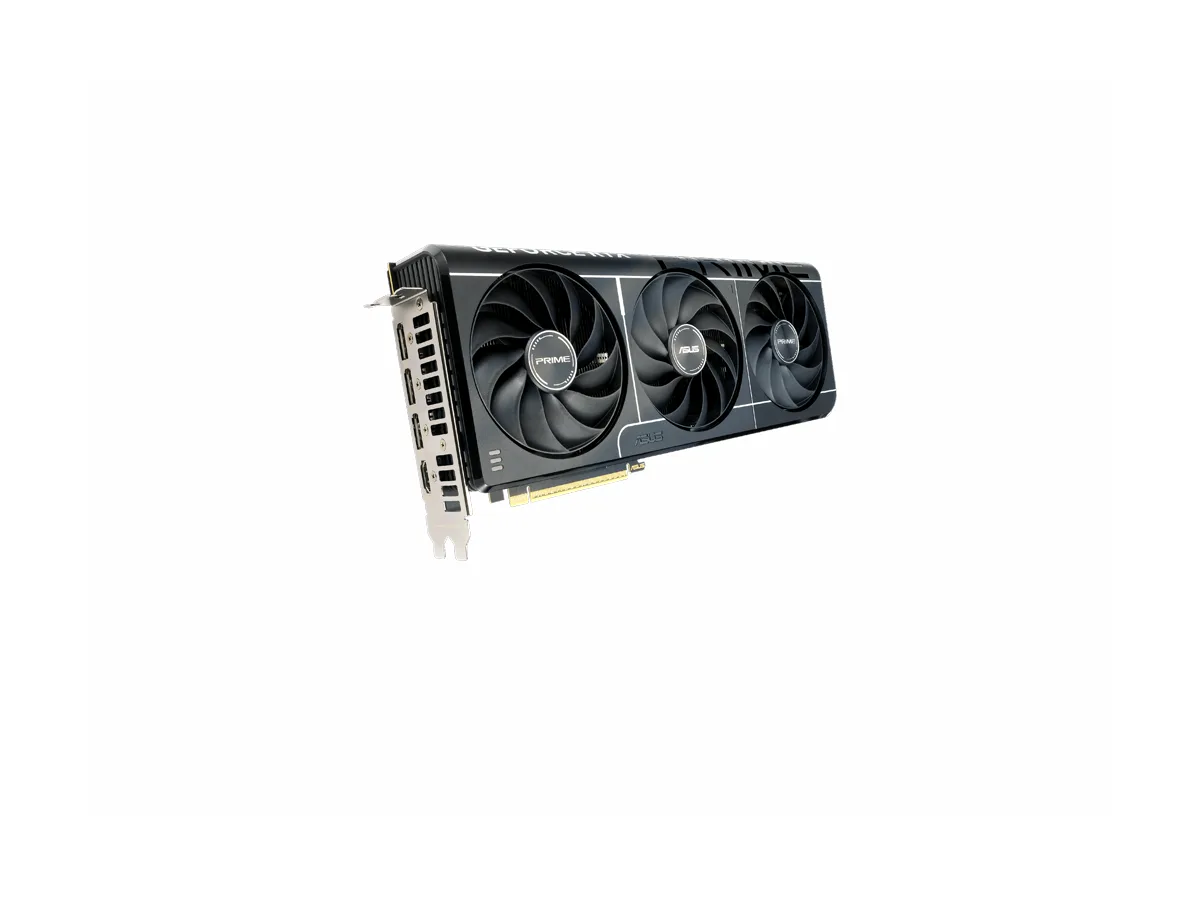
Same memory, twice the memory speed: RTX 5070 Ti.
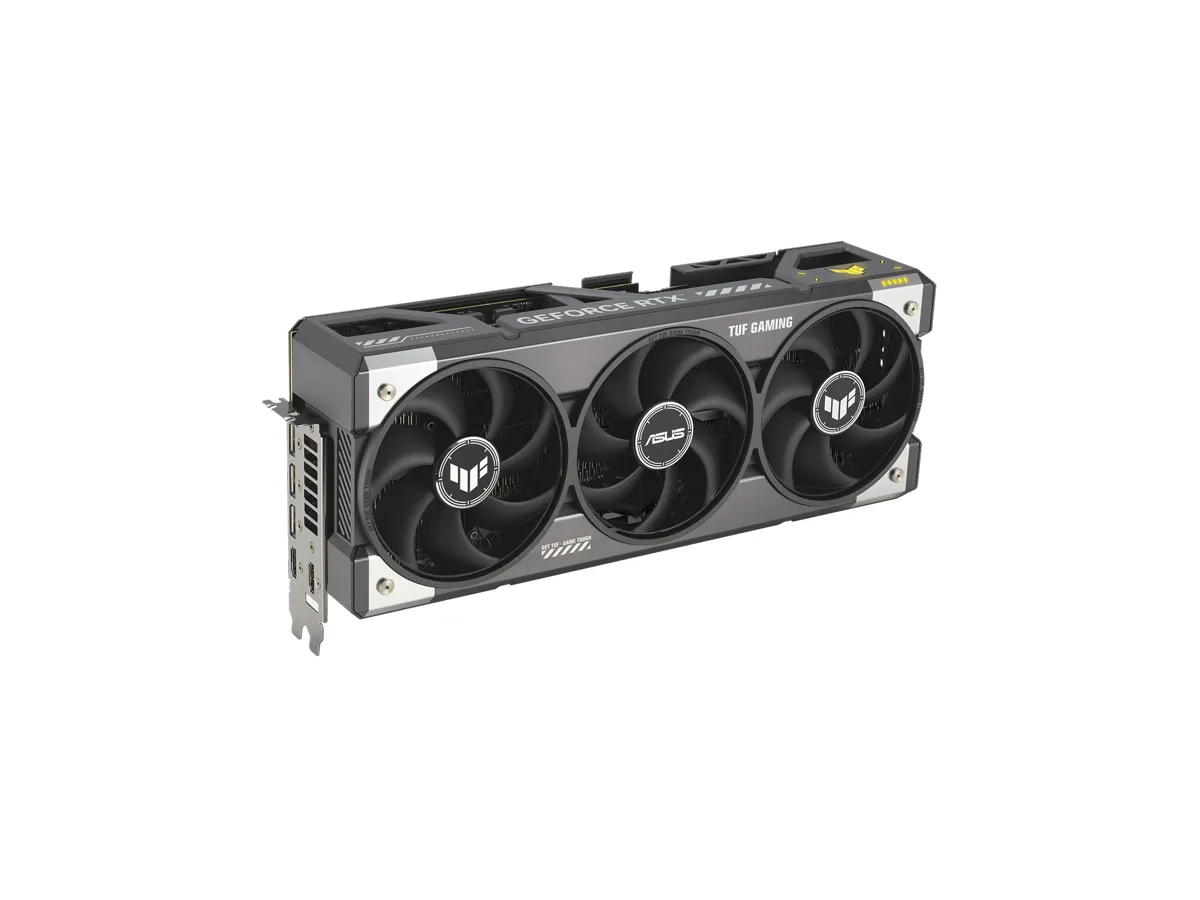
Bigger models (around 30B) on one card: RTX 5090, 32 GB.
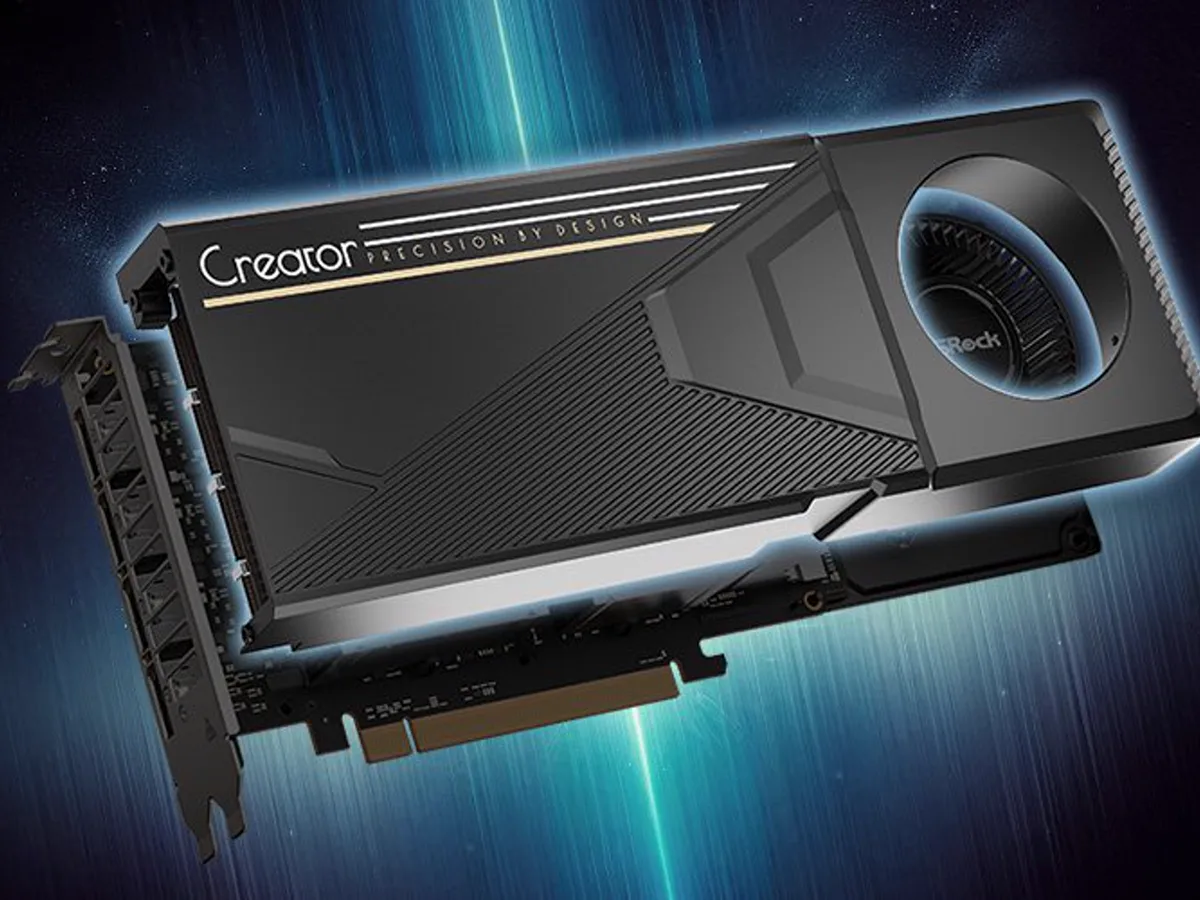
32 GB for chat models only, on Linux: Radeon AI PRO R9700.
Models too big for any gaming card: a Ryzen AI Max+ 395 mini PC with 128 GB.
How we chose (and what we didn’t do)
We didn’t bench-test these cards, and we won’t pretend we did. Each pick rests on three things you can check yourself: the memory and memory speed the manufacturer publishes, the model sizes published by Ollama and OpenAI, and the software support list Ollama publishes. On top of that is what we learned running an AI video pipeline on our own 12 GB RTX 3080 — mostly about what happens when memory runs out (field notes).
Two numbers on each card matter:
Memory for models (VRAM). Decides what you can run. The bar on each card shows it against three sizes of the same model.
Memory bandwidth. How fast the chip can read that memory. For chat models it roughly decides how fast words come out, because every word means reading the whole model again.
We don’t show prices. Graphics card prices have moved a lot since launch because of a memory-chip shortage that started at the end of 2025, and Amazon’s rules only let sites show prices pulled live from Amazon. Every button takes you to today’s price.
The picks
At a glance — maker specs; tap a name for the full pick
Why: 16 GB is the point where local AI stops feeling cramped. A 14B chat model (9.3 GB) fits with room left for long conversations, and image generators like SDXL fit comfortably — we run SDXL on 12 GB, but only smoothly once a memory-saving setting is on.
The catch: its memory bandwidth (448 GB/s) is half the RTX 5070 Ti’s, so replies come out slower. And check the listing says 16GB: the same card is sold with 8 GB.
Why: same 16 GB as the 5060 Ti, but twice the memory bandwidth (896 GB/s). Pay the difference if you generate a lot and waiting costs you time.
The catch: it doesn’t let you run bigger models than the 5060 Ti 16 GB — just the same ones, faster. It also needs a bigger power supply: NVIDIA asks for 750 W, against 600 W for the 5060 Ti.
Why: 32 GB is the only consumer NVIDIA option that holds a 32B model (20 GB) with room for context, and its bandwidth (1,792 GB/s) is the highest here by far.
The catch: it is big and power-hungry — NVIDIA lists 575 W for the card and a 1,000 W power supply for the system. Its price has also been furthest from launch price during the shortage. Check the price before you fall for the specs.
ROCm / Vulkan (AMD): fine for LLMs, rougher for image and voice tools
Why: the same 32 GB as the RTX 5090, for chat models. Ollama lists the R9700 as supported through AMD’s ROCm software.
The catch: much of the image and speech tooling is written for NVIDIA first. The GPU mode of faster-whisper, for example, needs NVIDIA’s CUDA libraries. Buy this for chat models, not as a do-everything card. Bandwidth (640 GB/s) is closer to a 5070 than a 5090.
96 GB — off this scale128 GB shared; AMD lets you assign up to 96 GB to graphics
Graphics memory
Up to 96 GB of the 128 GB LPDDR5X (AMD)
Memory bandwidth
256 GB/s
AI software
ROCm / Vulkan (AMD): fine for LLMs, rougher for image and voice tools
Chip
AMD Ryzen AI Max+ 395 · Radeon 8060S graphics
Memory
128 GB LPDDR5X, shared by CPU and graphics
Storage
2 TB NVMe
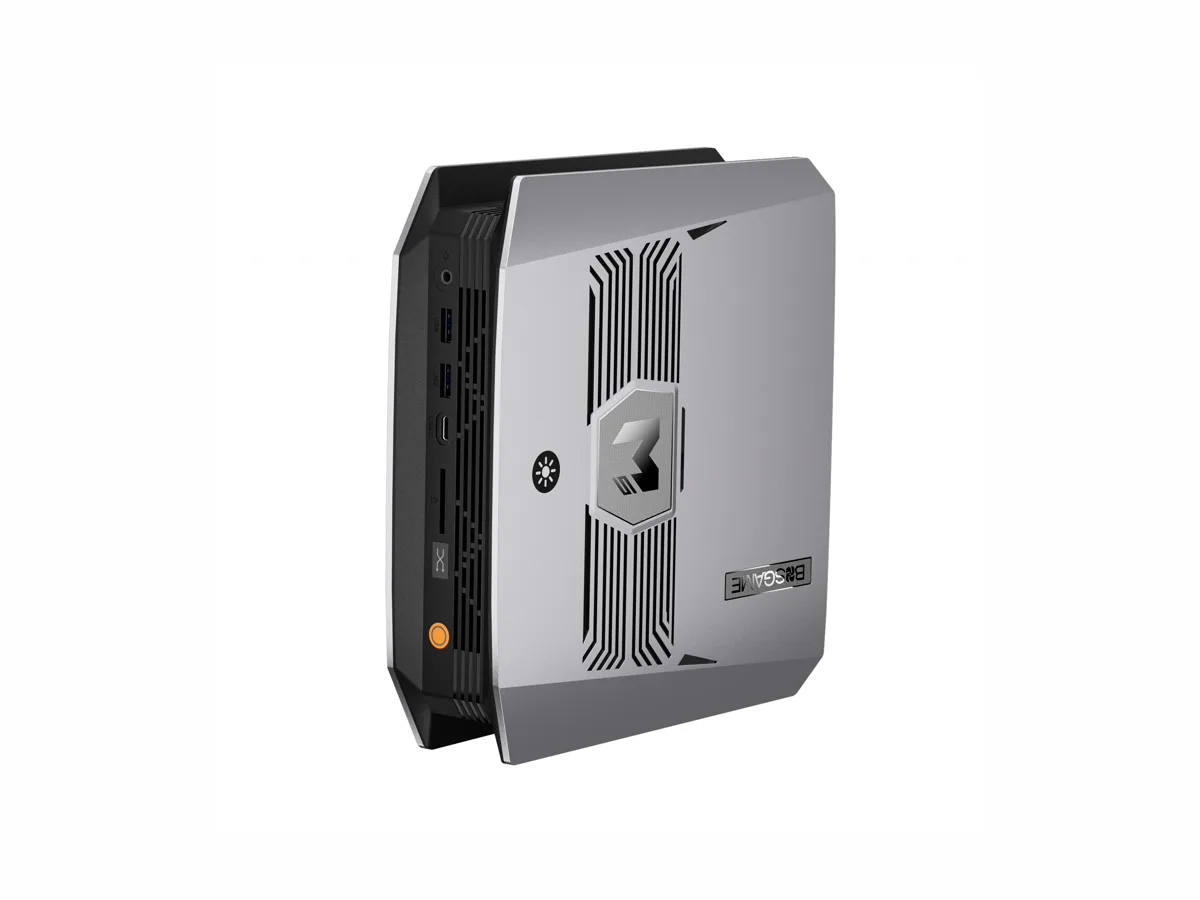
Why: this is a whole small computer, not a card. Its 128 GB is shared between processor and graphics, and AMD says up to 96 GB can be set aside for graphics — enough, by AMD’s own example, for a 109B-parameter model at 4-bit that needs about 96 GB.
The catch: memory speed is 256 GB/s, a seventh of the 5090’s. Big models fit, but big dense models answer slowly. It suits “mixture-of-experts” models, which only read part of themselves per word. Same software caveat as the R9700.
Amazon listing: “BOSGAME Mini PC M5, Ryzen AI Max+ 395, 128GB LPDDR5 RAM, 2TB NVMe SSD” · ASIN B0H94TVN8G
What we’d skip
RTX 5070 (12 GB). Faster than the 5060 Ti, but with less memory — and for AI, memory decides what runs. Full comparison.
RTX 5080 (16 GB). The same 16 GB as the 5070 Ti, and only a little more bandwidth (960 vs 896 GB/s). For AI, the extra money buys very little.
8 GB cards (RTX 5060, RTX 5060 Ti 8GB). An 8B chat model (5.2 GB) fits, and not much else.
Outside Amazon, many local-AI builders buy a used RTX 3090 for its 24 GB. We don’t link one: we can’t vouch for a used card we haven’t seen.
Before you buy
Power supply. NVIDIA’s required system power: 600 W (5060 Ti), 750 W (5070 Ti), 1,000 W (5090).
System memory too. Our PC has 15 GB of system memory, and it ran out before the 12 GB card did. For a 16 GB card, 32 GB of system memory is a sensible floor.
Operating system. Ollama’s AMD support on Linux needs AMD’s ROCm 7 driver. NVIDIA cards work on Windows and Linux with standard drivers.
Fit. Check the card’s length against your case on the maker’s page.