Heads-up: links to Amazon on this page are affiliate links. If you buy through them we may earn a commission, at no extra cost to you. How we make money.
Mesh Wi-Fi boxes advertise huge numbers — “BE22000”, “up to 22 Gbps”. Those are the theoretical totals of all radios added together. What decides whether a system suits you is more down-to-earth: your internet plan, the wired ports, and whether your devices can use the newer bands.
Quick answer
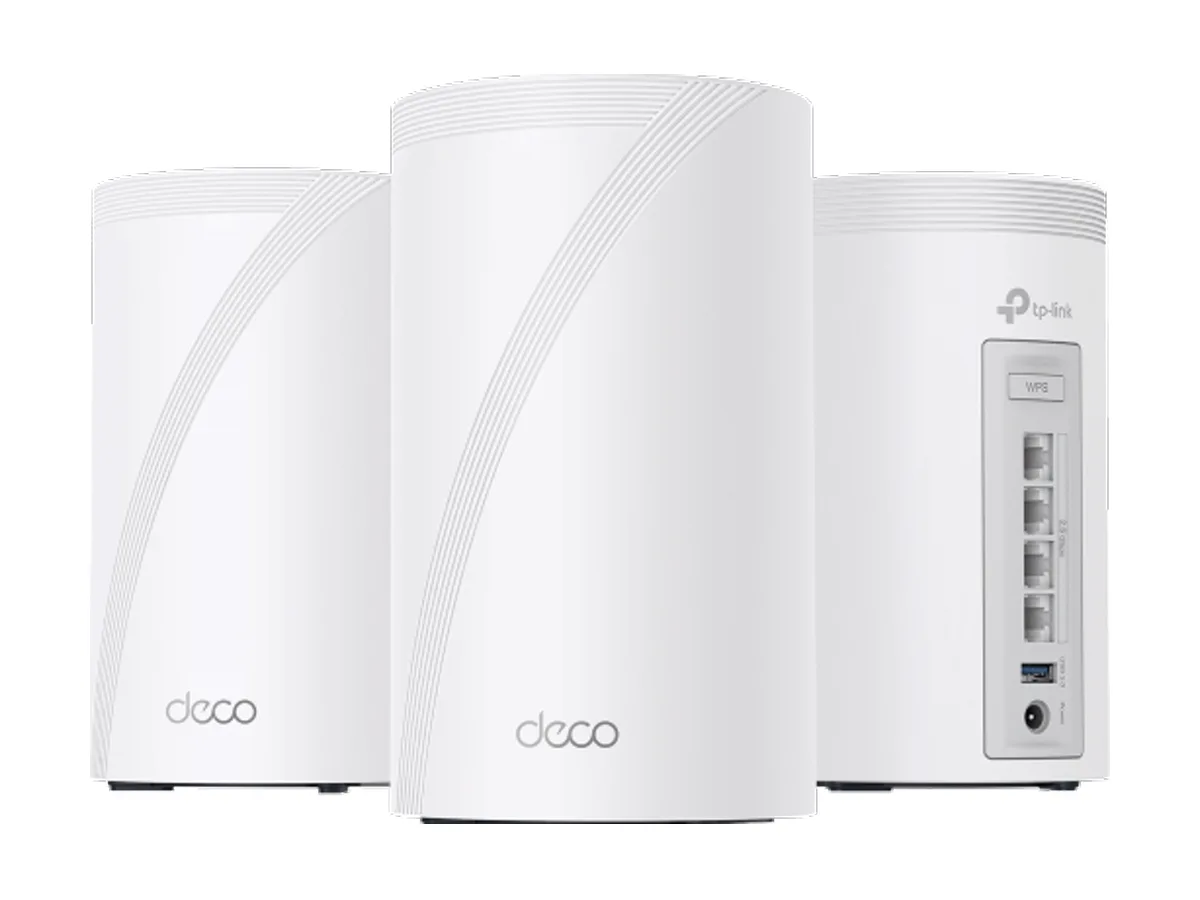
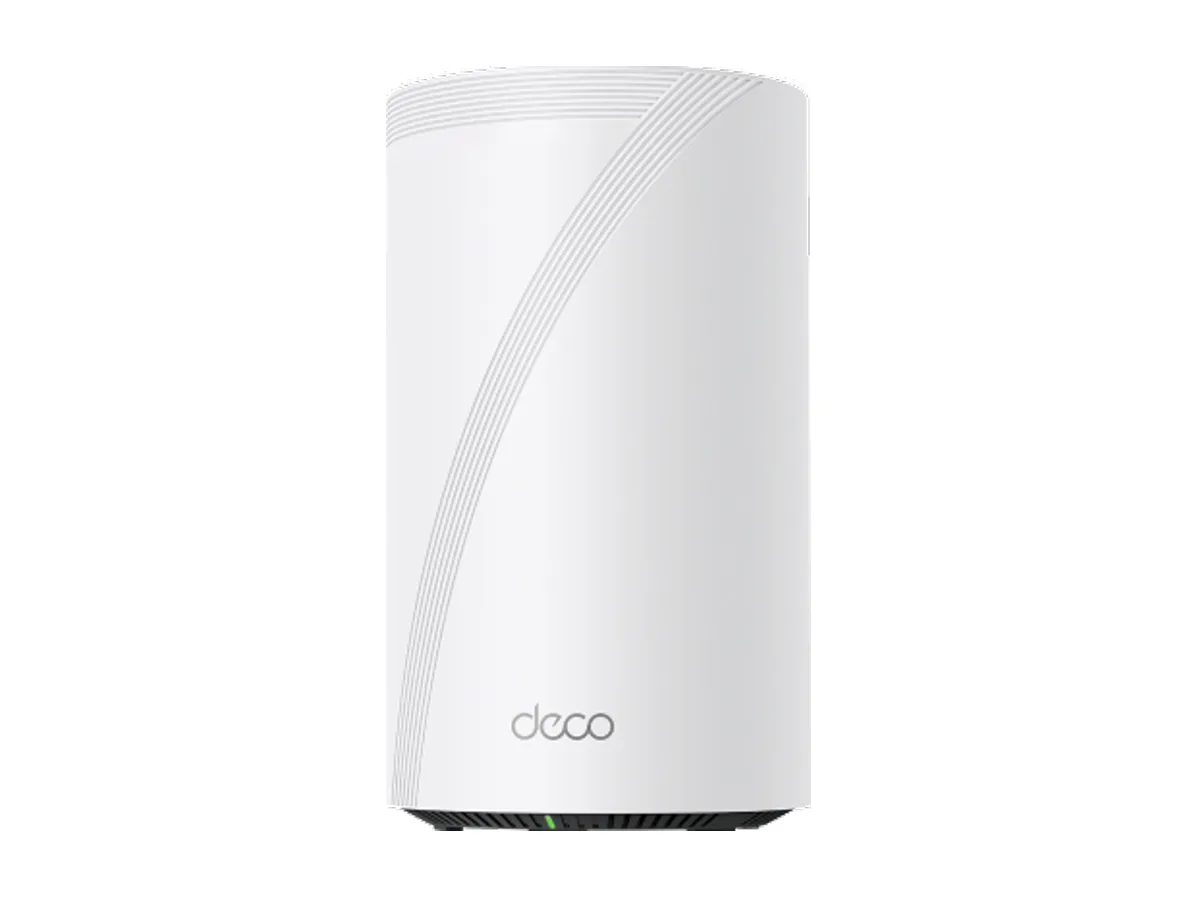
Internet up to about 2 Gbps, want lots of wired ports: TP-Link Deco BE63.
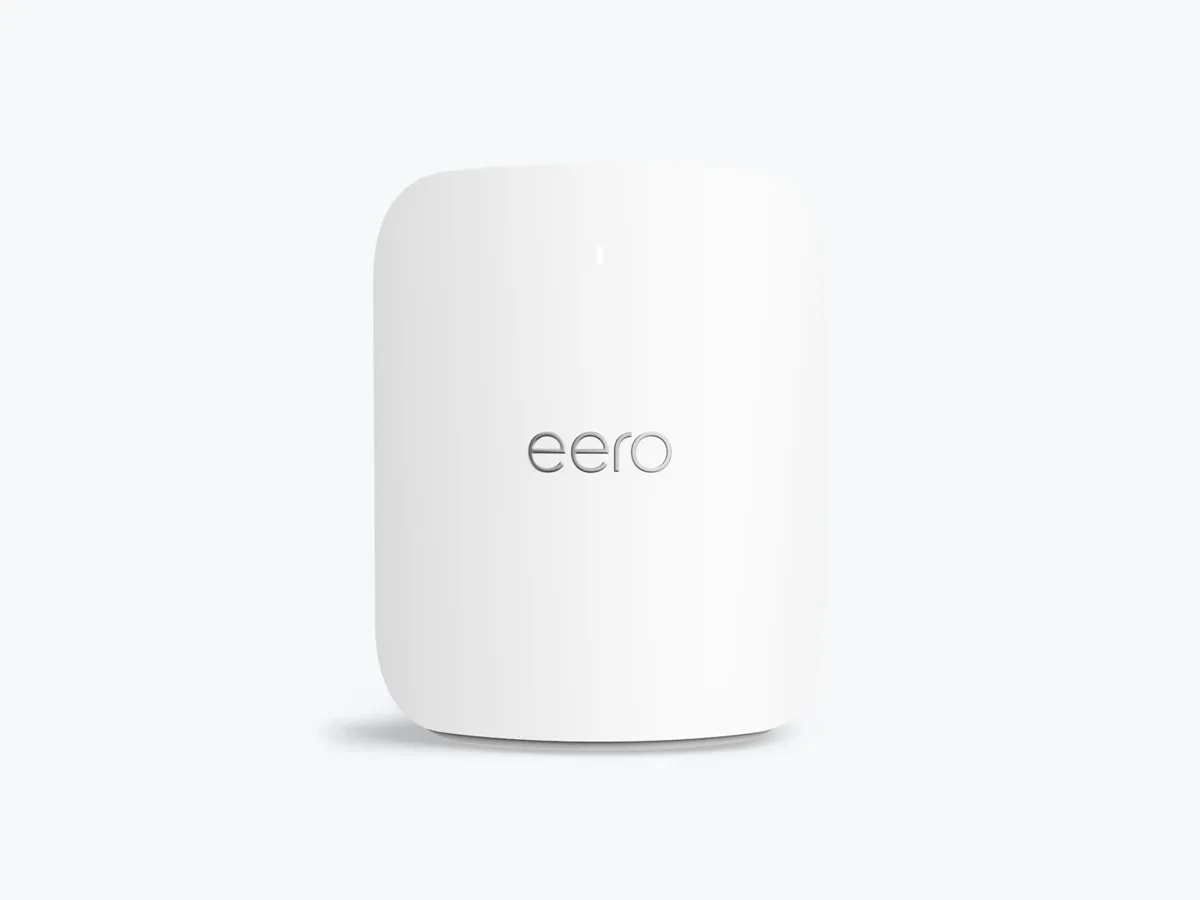
Internet up to 5 Gbps, want the simplest app: eero Pro 7.
Multi-gig fiber or a 10 Gb home network: TP-Link Deco BE85.
Three things to check first
Your internet plan vs the ports. A 2 Gbps plan can’t pass through a 1 Gb port. The BE63 has 2.5 Gb ports, the eero Pro 7 has 5 Gb ports, and the BE85 has 10 Gb ports.
Your devices. The 6 GHz band (all three are tri-band: 2.4, 5 and 6 GHz) only helps phones and laptops that support Wi-Fi 6E or Wi-Fi 7. Older devices use 2.4 and 5 GHz.
Can you run cables between units? Mesh units connected by Ethernet (wired backhaul) don’t spend Wi-Fi capacity talking to each other. If you can, the fast wired ports matter even more.
The picks
At a glance — maker specs; tap a name for the full pick
Why: two 5 Gb ports per unit, and eero rates it for internet plans up to 5 Gbps. This listing is a 2-pack; eero claims up to 2,000 sq ft per unit.
The catch: only two wired ports per unit, so you may need a switch for several wired devices. Coverage figures are the maker’s claims — walls and floors change everything.
Amazon listing: “Amazon eero Pro 7 tri-band mesh Wi-Fi 7 router (newest model) - Supports internet plans up to 5 Gbps, Coverage up to 4,000 sq. ft., 2-pack” · ASIN B0C6RDKBTG