Heads-up: links to Amazon on this page are affiliate links. If you buy through them we may earn a commission, at no extra cost to you. How we make money.
At 27 inches, 2560 × 1440 is the resolution most people settle on: sharp enough for work, light enough for a mid-range graphics card to drive in games. The real decision is the panel type — and, for OLED, the screen finish.
OLED or IPS, in plain terms
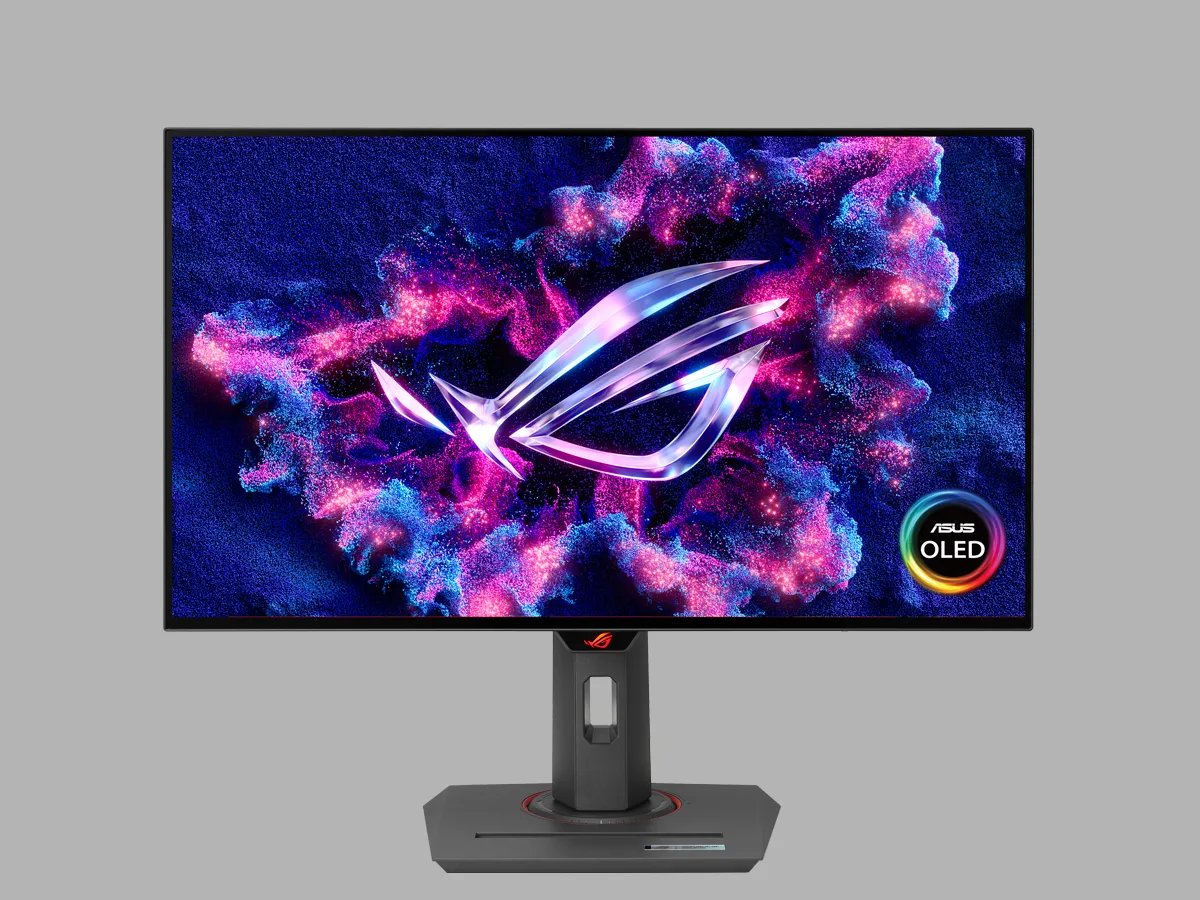
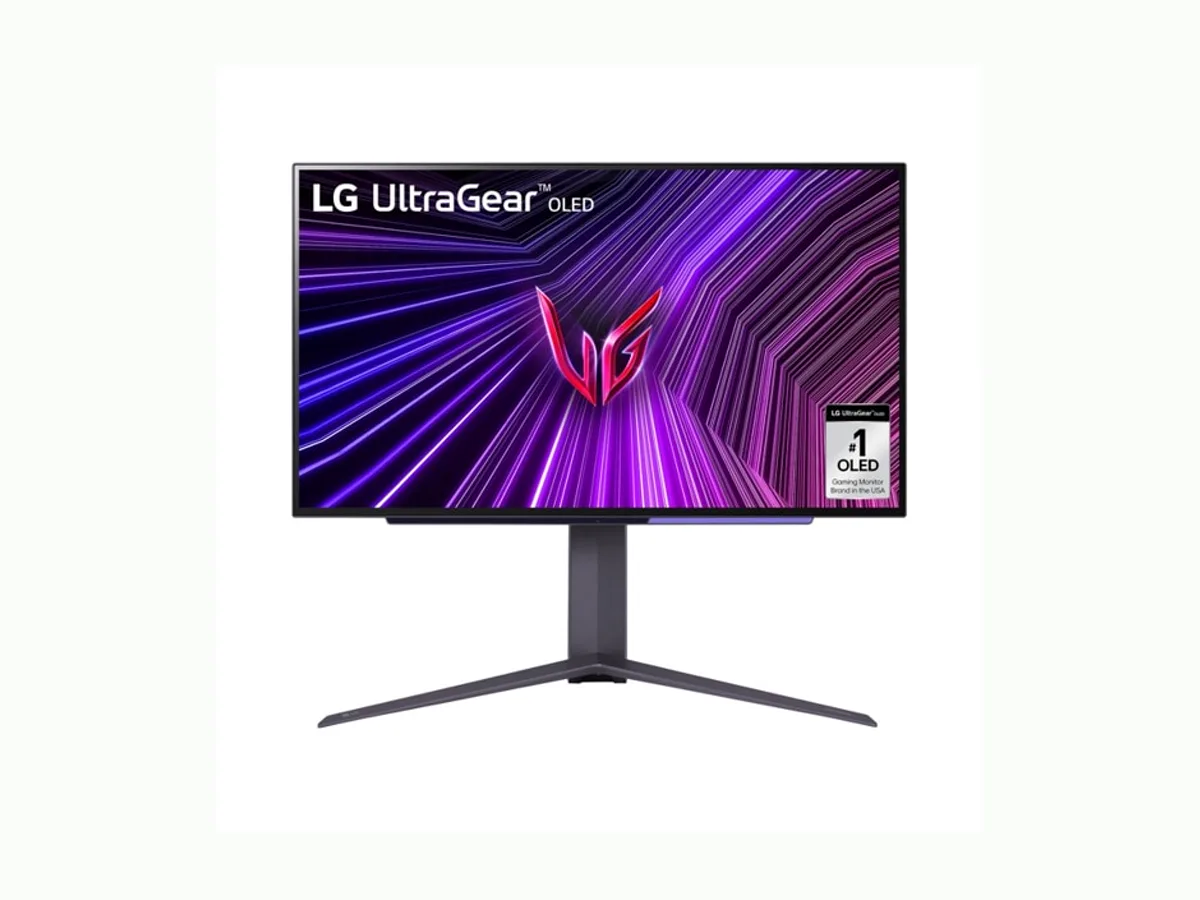
OLED lights every pixel individually, so black is truly black and motion is very clear. Both OLEDs here run at 240 Hz. The trade-off: OLED panels can wear unevenly when the same static image stays on screen for long periods (burn-in). That’s why makers add protection features such as ASUS’s “OLED Care”.
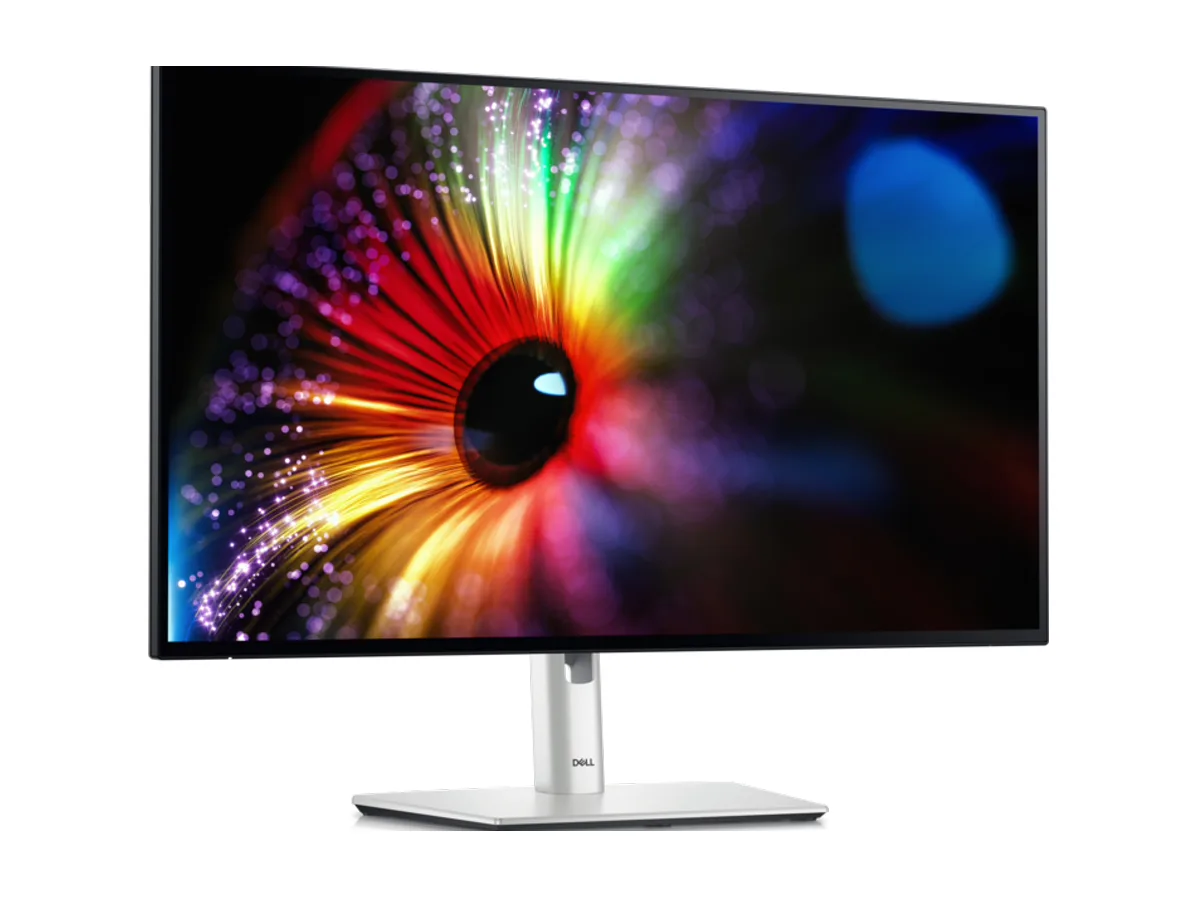
IPS uses a backlight. Blacks are never as deep, but there’s no burn-in concern with static toolbars, spreadsheets and code all day. Dell’s “IPS Black” panel claims 2000:1 contrast, higher than typical IPS.
Glossy or matte?
A glossy finish makes colours and blacks look richer, but reflects lamps and windows. A matte/anti-glare finish tames reflections at the cost of a little clarity. If your desk faces a window, lean matte.
The picks
At a glance — maker specs; tap a name for the full pick