Heads-up: links to Amazon on this page are affiliate links. If you buy through them we may earn a commission, at no extra cost to you. How we make money.
Every NVMe drive on the market quotes an impressive top speed. Two quieter numbers tell you more about how a drive will live with you: how much data it’s rated to write over its life, and what kind of flash it uses.
Quick answer
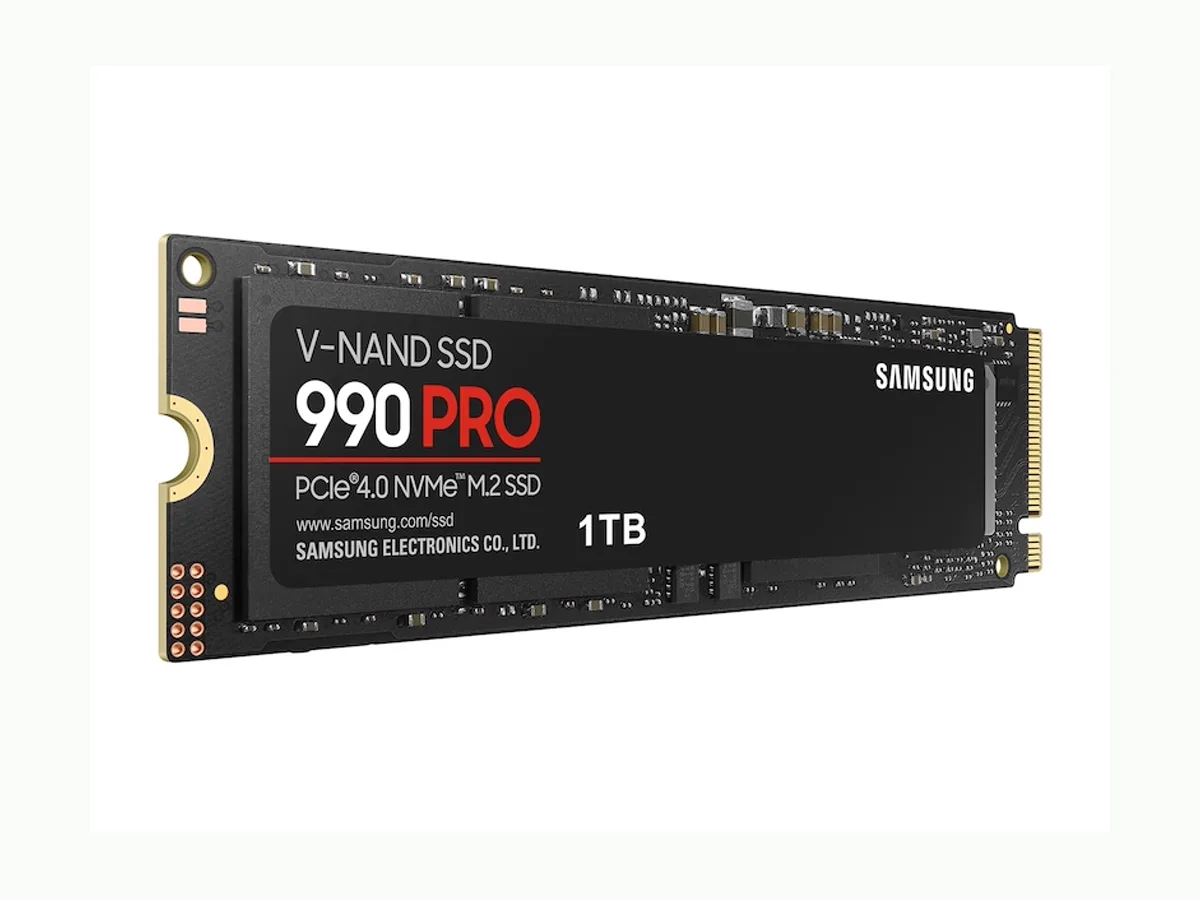
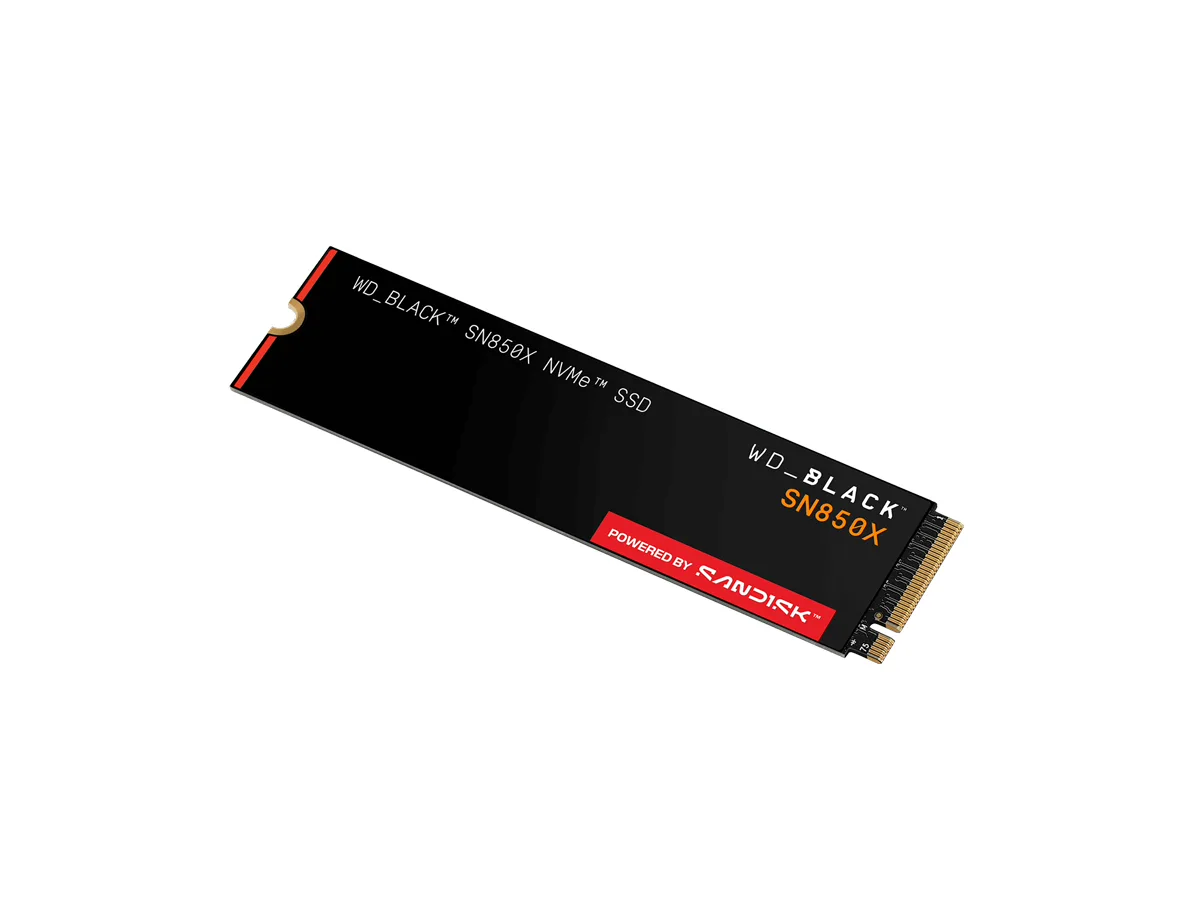
Most desktops: a PCIe 4.0 drive with TLC flash — Samsung 990 PRO or WD_BLACK SN850X.
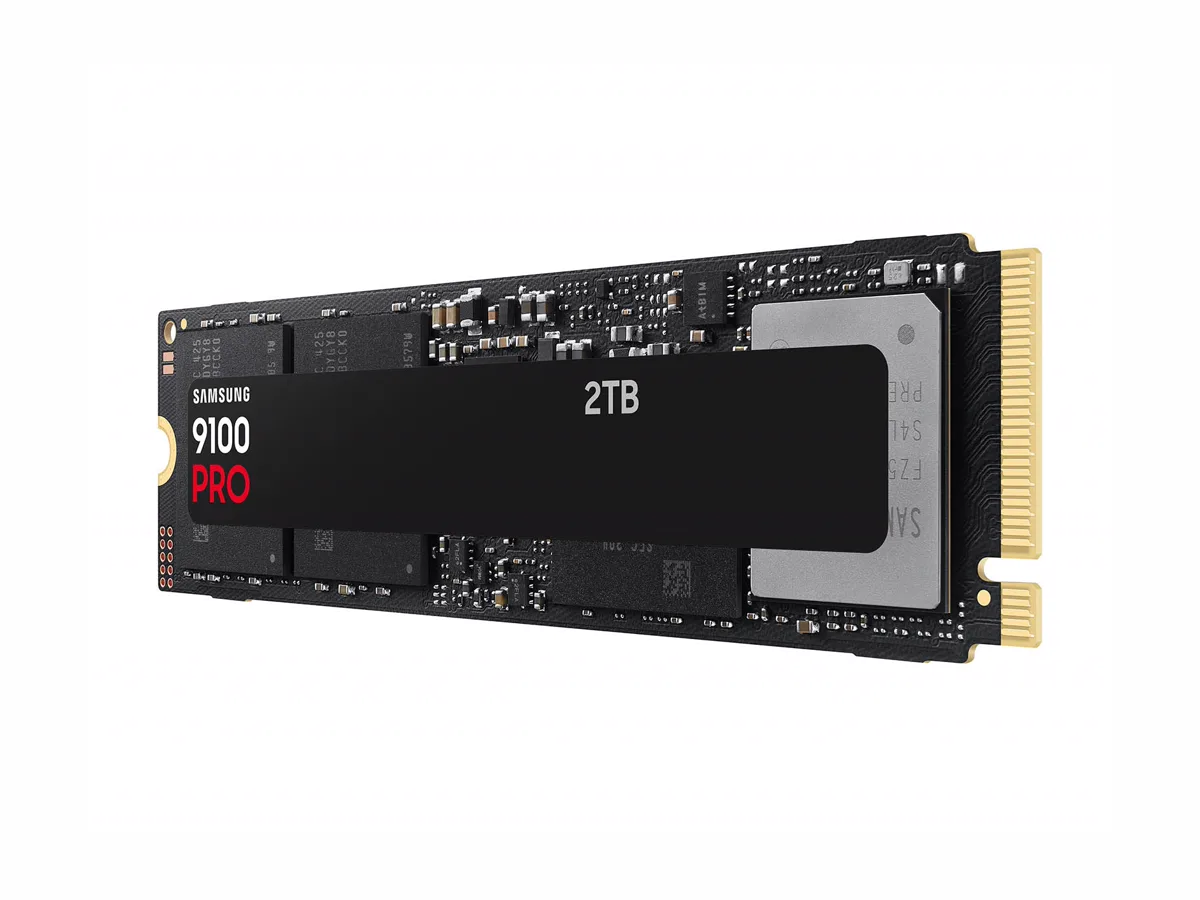
You have a PCIe 5.0 M.2 slot and move huge files: Samsung 9100 PRO.
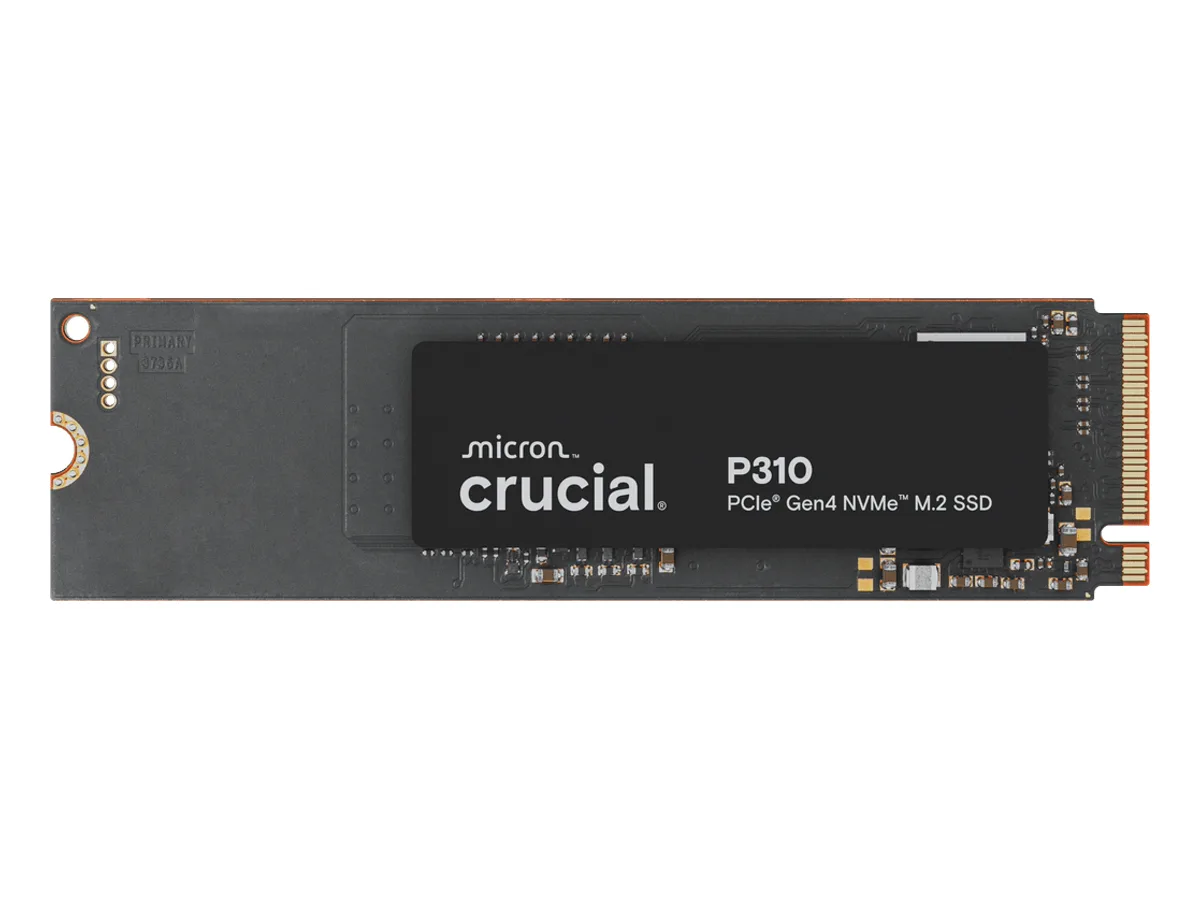
Lots of space for games and media on a budget: Crucial P310, knowing its limits.
The three things to check
Your slot. A PCIe 5.0 drive only reaches its speed in a PCIe 5.0 M.2 slot. Your motherboard manual says which slots are which.
Endurance (TBW). “Terabytes written” is how much data the maker rates the drive to handle before wear becomes a warranty issue. The TLC drives here are rated for 1,200 TB; the QLC drive for 440 TB.
Flash type. TLC stores three bits per cell, QLC four. QLC is cheaper per gigabyte and is why the P310 has lower endurance.
The picks
At a glance — maker specs; tap a name for the full pick
Why: top-end PCIe 4.0 speeds, TLC flash, 1,200 TB rated endurance and a 5-year warranty. It works at full speed in the PCIe 4.0 slots most boards have.
The catch: there are two versions, with and without a heatsink. Pick the heatsink version only if your motherboard doesn’t cover the slot with its own.
Why: roughly double the sequential speed of the PCIe 4.0 drives, for people who copy very large files — video footage, big datasets, AI models.
The catch: in a PCIe 4.0 slot it runs at PCIe 4.0 speeds. Its headline speed is about sequential transfers — large copies — not about booting or opening apps.
Why: fast enough on paper (7,100 MB/s reads) for a games and media drive.
The catch: QLC flash and 440 TB rated endurance — about a third of the others. Fine for storing things; not our pick for a drive you write to heavily every day.