Heads-up: links to Amazon on this page are affiliate links. If you buy through them we may earn a commission, at no extra cost to you. How we make money.
The three things you touch or look through every working hour are the mouse, the keyboard and the webcam. Here is how the picks on this site differ, using only what the makers publish. We have not tested them hands-on.
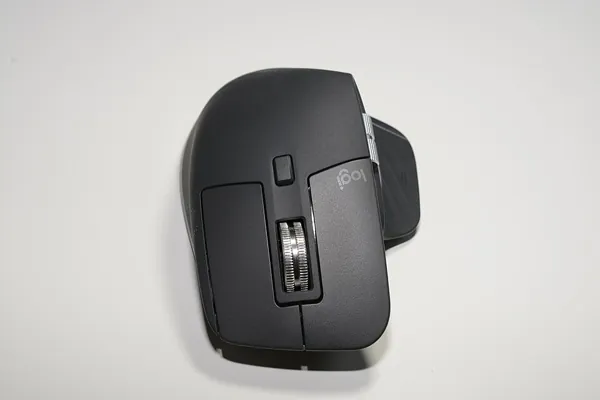
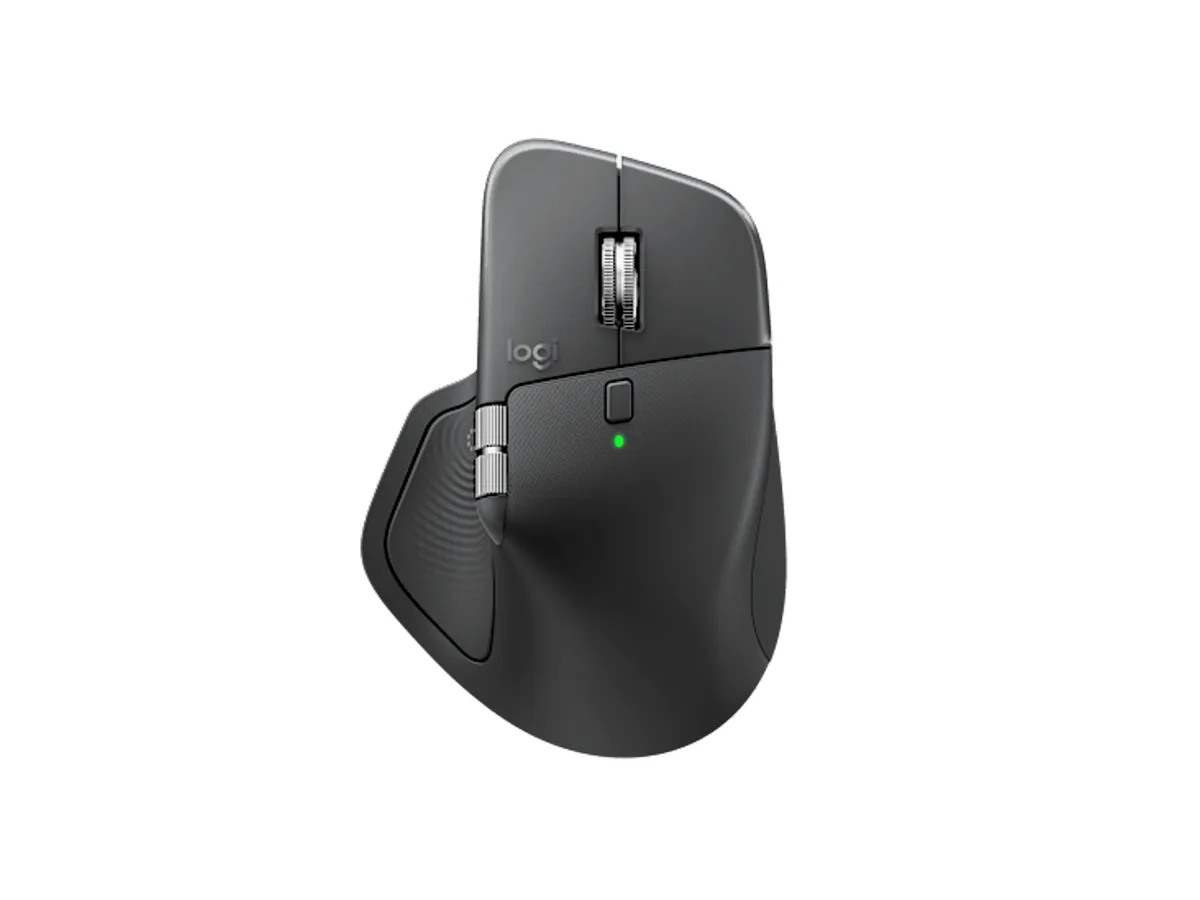
The mouse: MX Master 3S or MX Master 4
Both track on glass at 8,000 DPI and use Logitech’s MagSpeed scroll wheel. The difference is what the 4 adds on top: haptic feedback and the Actions Ring, an on-cursor menu of shortcuts. If you don’t need those, the 3S already covers the basics. Both are right-handed shapes.
At a glance — maker specs; tap a name for the full pick
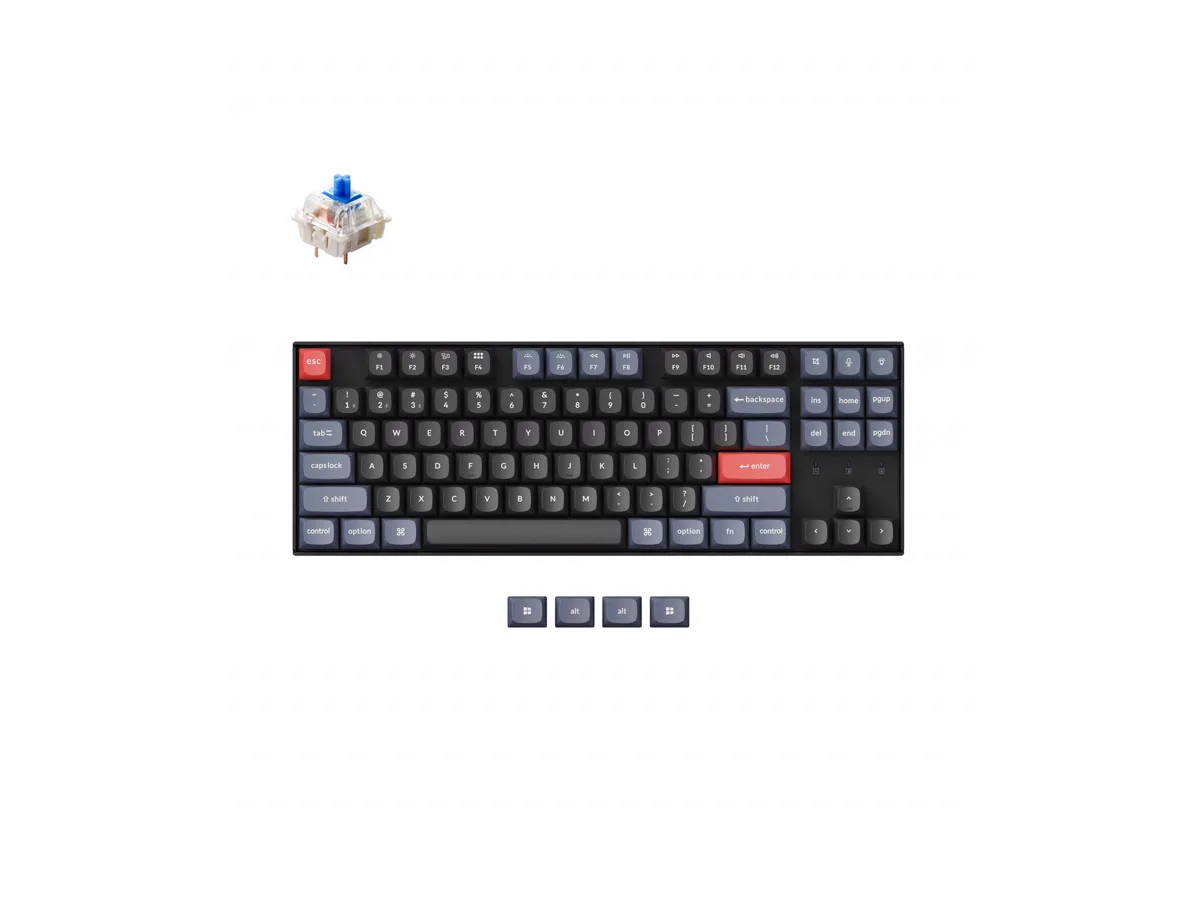
Why: hot-swappable switches you can change without soldering, keys you can remap with QMK/VIA, and Bluetooth to up to three devices or a USB cable. Works with Mac and Windows.
The catch: the Blue switches on this listing are loud and clicky, and there is no number pad.
Amazon listing: “Keychron K8 Pro QMK/VIA Wireless Mechanical Keyboard, Hot-Swappable TKL, Gateron G Pro Blue Switch, White Backlit, PBT Keycaps for Mac Windows Linux” · ASIN B0B97GY43Y
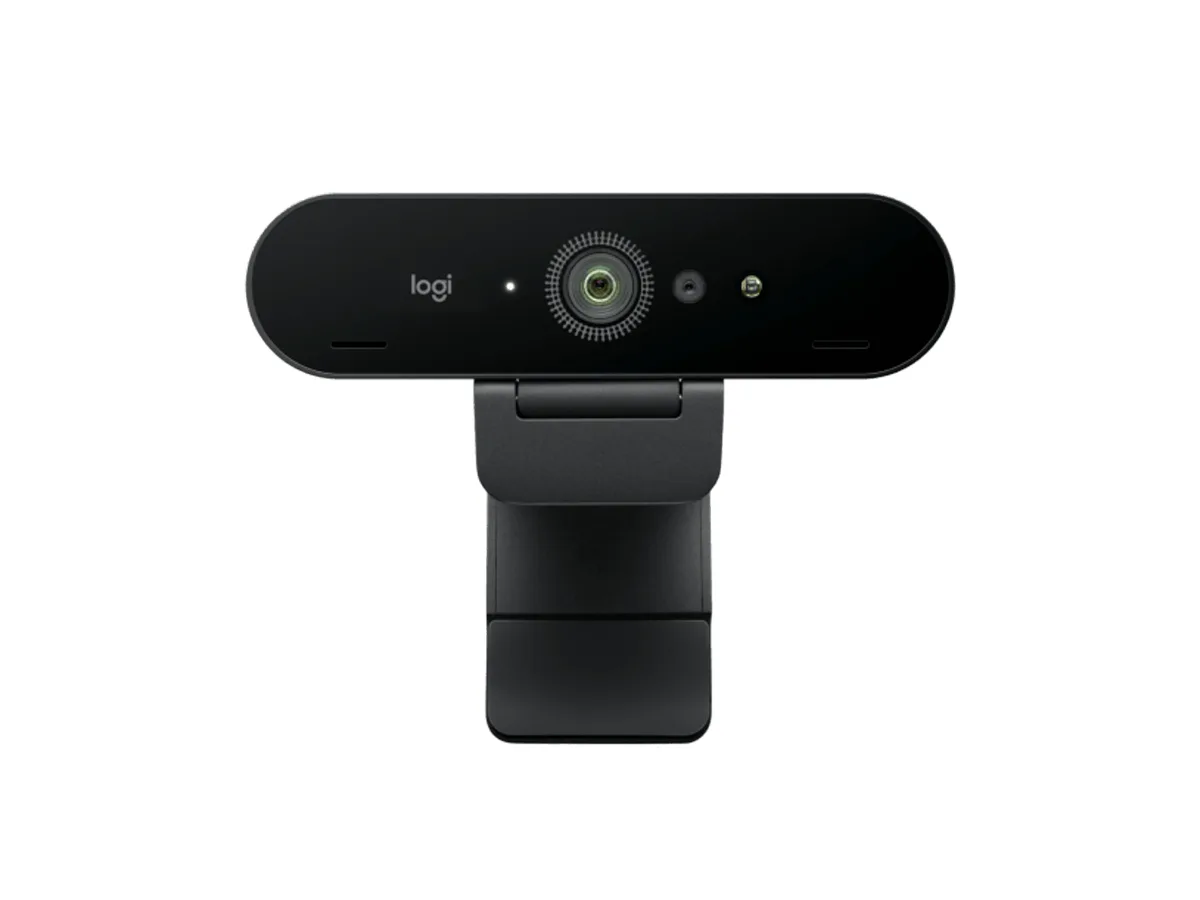
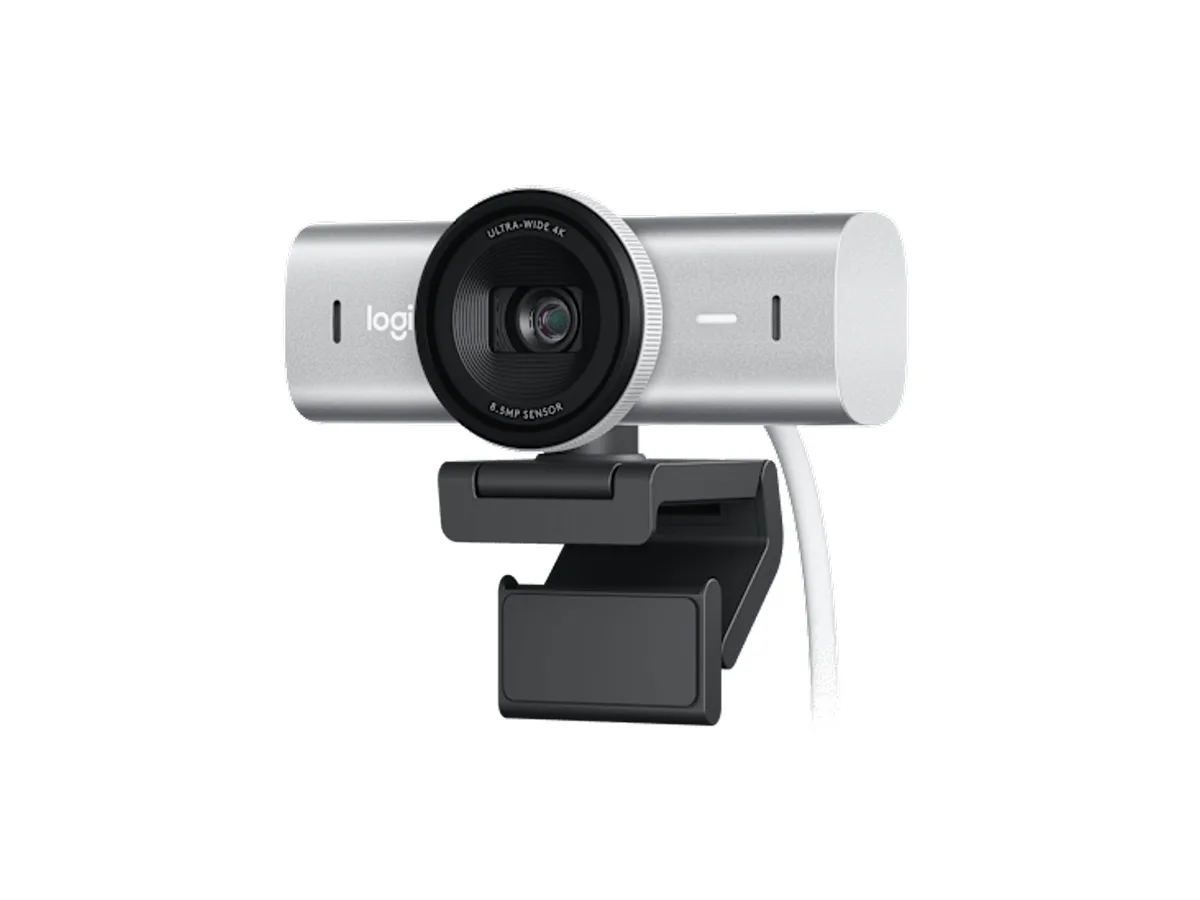
The webcam: Brio 4K or MX Brio
Both record 4K at 30 fps and 1080p at 60 fps. Pick by what you need around the image:
Built-in privacy shutter · dual beamforming mics · Show Mode (tilt to show your desk)
Why: Logitech says it captures twice the image detail of the Brio 4K, also in low or back light. It adds a built-in privacy shutter, dual beamforming mics and Show Mode — tilt it down to show your desk.